Sync to NEXUS IC
Once you mark your tasks as Completed, you can sync them to the NEXUS IC database using one of the following methods:
Two-way sync
Tap Sync in the sidebar. This will upload your completed tasks to the database and download any assigned or ad hoc tasks to your tablet. For more information about two-way sync, see Sync to IC-Inspector.
One-way sync
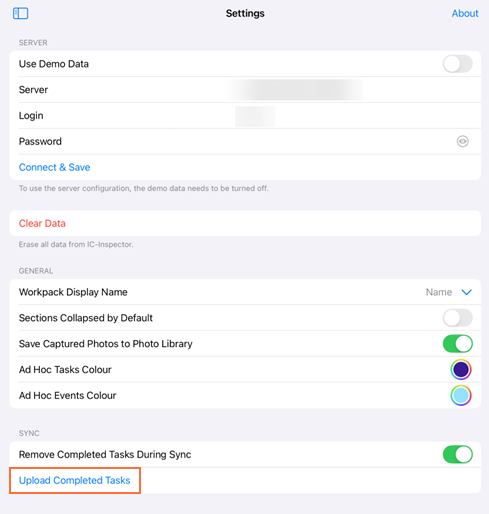
Go to the Settings screen.
Tap Upload Completed Tasks under SYNC.
Note
One-way sync provides a faster sync process by only uploading your completed tasks.