Configure System Information
Under , you can set up field helps for fields in specific system tables. These appear as hover hints for users when they work with the relevant field. You can configure field helps for the following system tables:
Anomaly
Anomaly Action
Task
Workpack
Prerequisites
To maintain field helps, you need:
A licence that includes access to this configuration
Read/Write permission for the System Information special permission
Add Field Help
Under , expand the row for the table that contains the field you want to update.
Double-click the required field, or select it and choose Edit in the toolbar.
In the dialog that opens, enter the text you want to display as the field help in the Comments field.
Choose OK.
Result
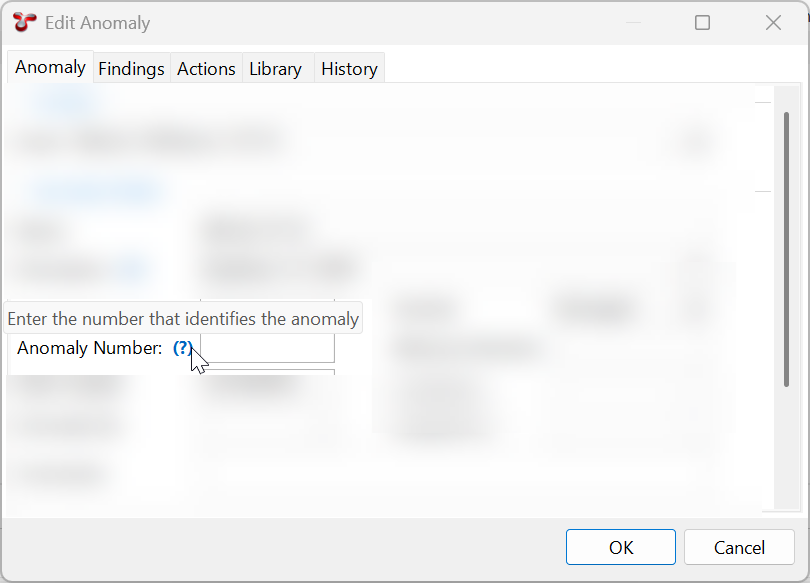
In the maintenance dialog for the relevant table, a blue question mark appears next to the field. When the user hovers over the question mark, the hint text is displayed.
For example, after you add a field help for the Anomaly Number field in the Anomaly table, the hint text is displayed as shown below: