Configure Unit Types
The unit type reflects the type of quantity that is being measured, for example, area, time or mass.
Under , you can create, edit and delete unit types.
Unit types make NEXUS IC unit-aware, and allow you to switch units in a field.
The NEXUS IC database comes pre-populated with a standard set of unit types and units. When a unit is assigned to an asset information group field, the value can be converted to any other unit that belongs to the same unit type.
Numeric fields that are defined with a unit group appear in the asset information group with a blue label. To convert the value to a different unit type, click and select the unit type.
Manage Unit Types
You set up unit types on the Unit Types screen (), which is divided into two main sections, each with its own grid and toolbar:
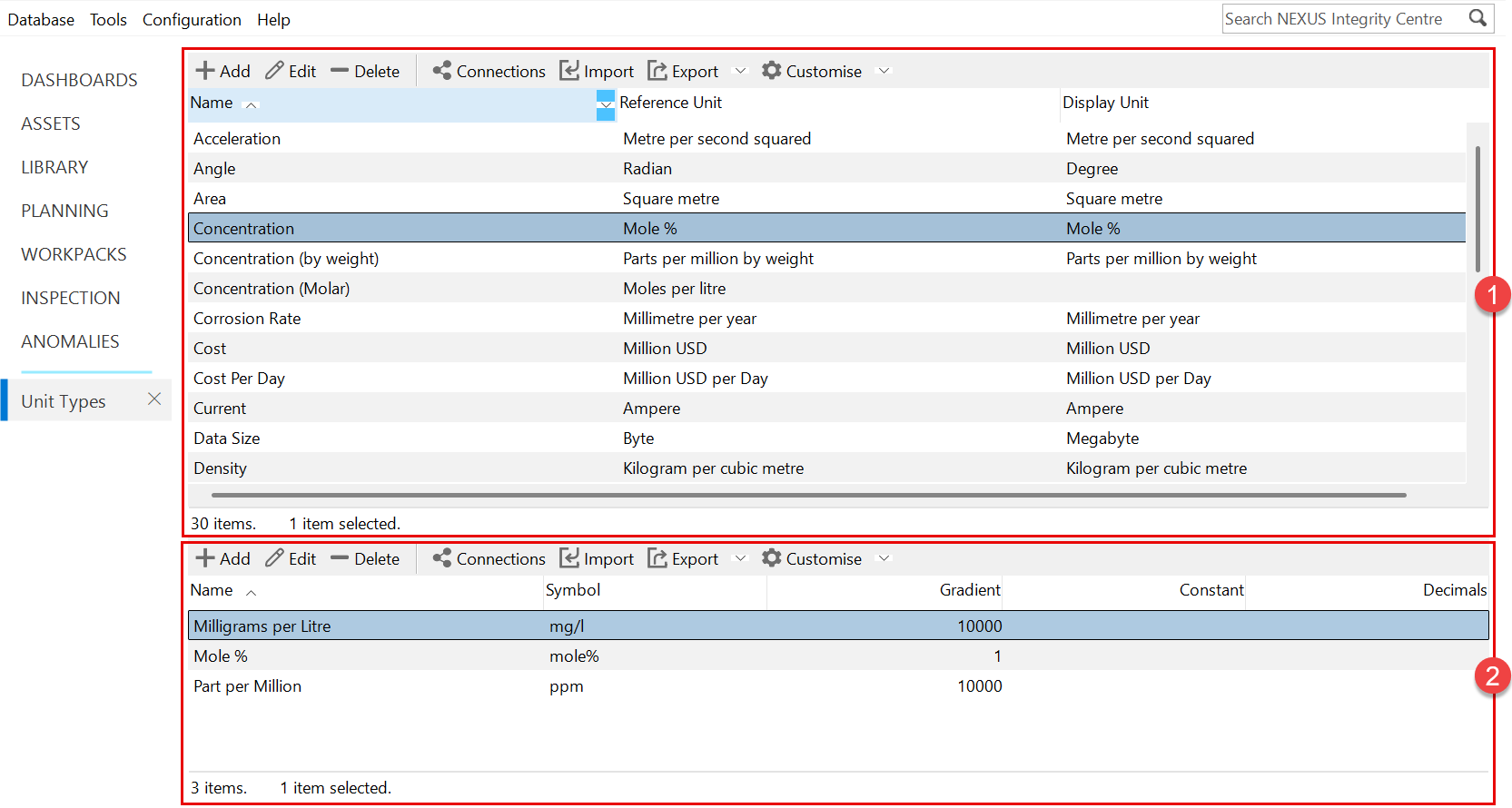
 Unit Type Configuration:
The upper section of the screen displays unit types. Its toolbar provides the standard grid options for managing unit types, including adding, editing and deleting records, managing connections, importing and exporting data and customising the grid layout. For more information, see Using the Grid.
 Unit Configuration:
The lower section of the screen displays the units assigned to the currently selected unit type. Its toolbar provides the standard grid options for adding, editing and deleting units within a unit type, as well as other common grid actions.
For each unit type, you must maintain a reference unit. When you add units to a unit type, you must define the conversion rate in the Gradient field, which tells the system how to perform conversions between the unit and the reference unit.