Filtering
All grids in NEXUS IC allow users to apply one or more filters to individual columns, helping to narrow down the displayed data.
Applying a Column Filter
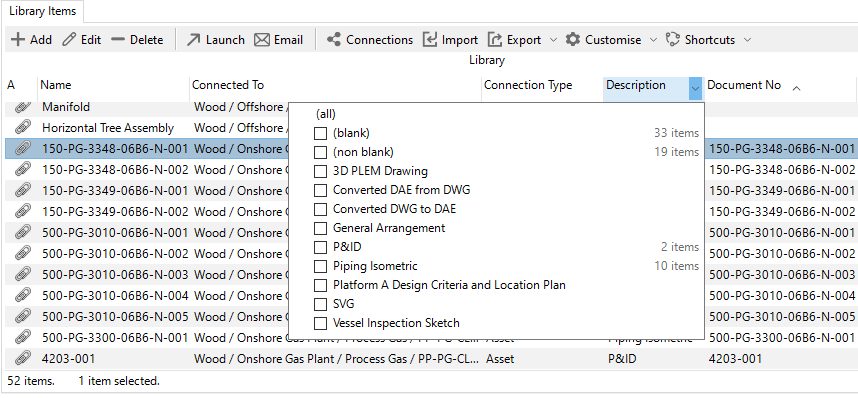
Hover over a column header. The header will be highlighted in blue, and a filter dropdown icon will appear (as shown below).
Click the dropdown icon to display a list of unique values for that column.
Select one or more checkboxes to filter the column based on the selected values.
Note
Filters are not saved between sessions. When you close and reopen NEXUS IC, all filters will be cleared.
In-Grid Filtering
In most grids, you can filter visible rows by typing directly while the grid has focus. This activates the In-Grid Filtering feature.
For more information, see In-Grid Filtering.